
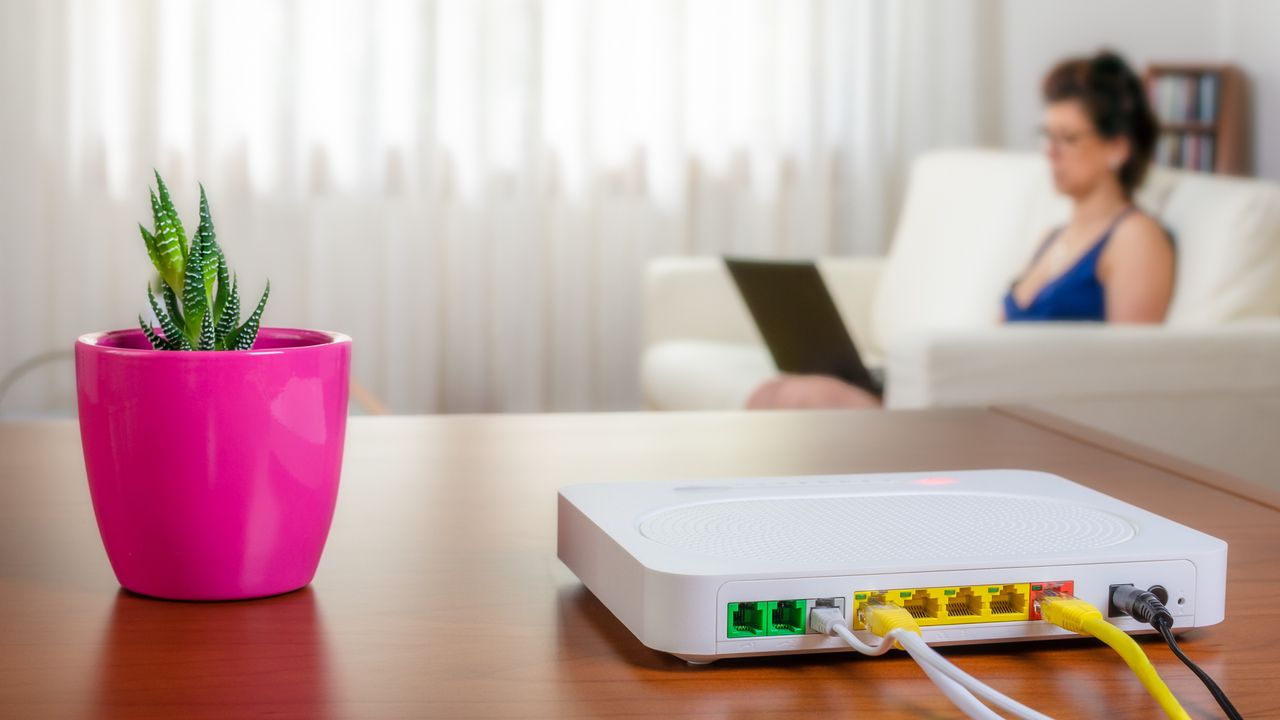

What WiFi Motion Brings to Xfinity Routers
Xfinity's WiFi Motion service transforms ordinary home routers into basic motion detectors by analyzing changes in Wi-Fi signal patterns. Once enabled, the system can identify when someone is moving around your home and send notifications via the Xfinity app. Unlike traditional security cameras, this feature doesn't use video—it only tracks the presence of people based on signal interference.
Who Should (and Should Not) Use WiFi-Based Motion Detection
WiFi Motion may offer peace of mind for homeowners seeking a low-effort, camera-free way to sense unexpected movement inside their home. It's most appealing to those who already use Xfinity routers, want passive detection, and prefer to avoid installing security cameras.
On the other hand, privacy-conscious users—or anyone wary of extra network monitoring—should approach this service with caution. The system requires trusting the network provider not just with your browsing activity, but also with detailed presence data. If you didn’t buy your router with security features in mind, sudden surveillance upgrades could feel intrusive. Additionally, renters or shared household users may need to consider the effect on other occupants’ privacy.
Privacy Concerns and Security Trade-Offs
Unlike a camera you install by choice, motion detection added remotely to millions of routers changes the scope of in-home surveillance. While the feature is opt-in for now, firmware updates or policy shifts could change that status with little warning. More importantly, users have limited visibility into what presence data is collected, how long it’s kept, who can access it, or how it might be shared with third parties—including law enforcement or others via subpoena.
Large-scale data collection also draws the attention of hackers. If an attacker can access router data, they could potentially determine when a home is empty. This raises both privacy and physical security risks. Xfinity's terms confirm that presence data may be disclosed in several legal and investigative contexts, which might concern those cautious about expanding digital footprints.
Alternatives and Safe Practices
If you are uncomfortable with network-level motion sensing, you have options. Many stand-alone security cameras offer granular privacy controls and are only activated with explicit consent. Alternatively, you can use a third-party router without built-in monitoring, giving you more control over device features and updates. Consider the privacy policies, update history, and security track record of any product you use for in-home monitoring—regardless of brand or method.
The Bottom Line: Is Xfinity WiFi Motion the Right Choice?
Xfinity's WiFi Motion is a unique, hands-off approach to home monitoring, but it introduces real privacy questions that every user should weigh. If convenience and minimal setup matter most, it may suit your needs, provided you understand and accept the trade-offs in transparency and data control. For those unwilling to trust another layer of automated presence tracking—or those managing shared households—more traditional, opt-in security systems remain a safer, more controlled choice.